VuMaTech Hacker
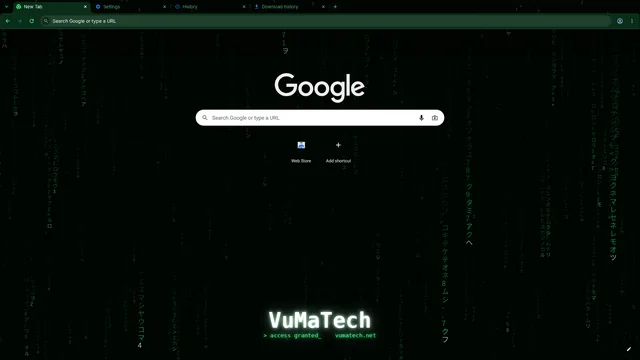
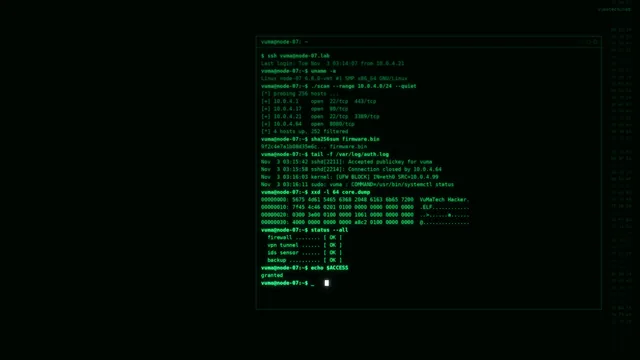
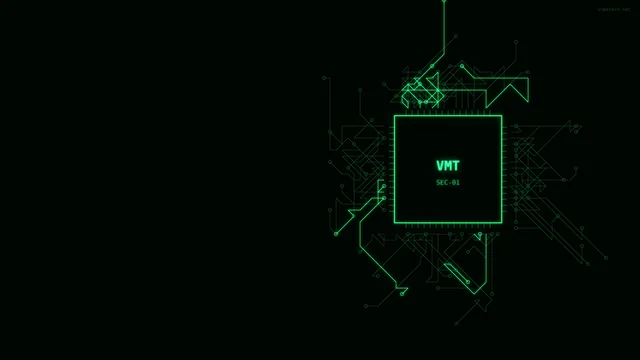
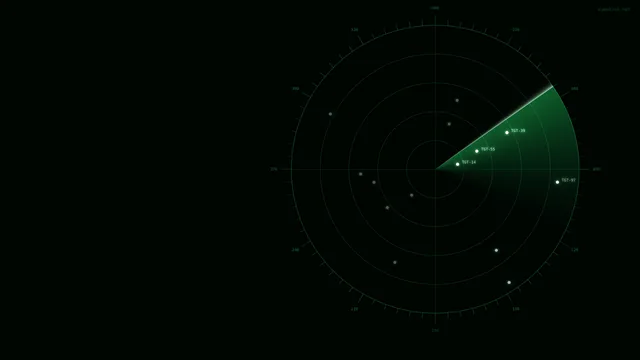
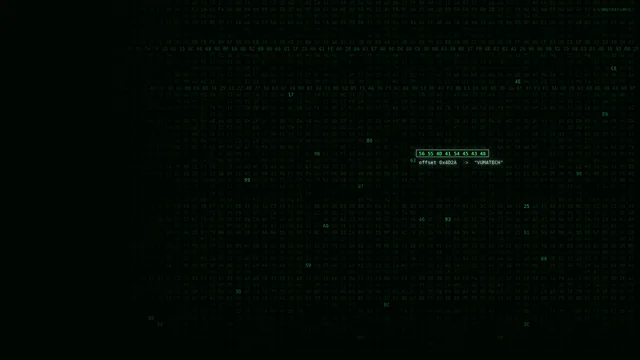
Black frame, deep green toolbar, code rain.
Colors
#000502#0a2e18#28ff8c#d7ffe4
What's in the package 7
-
In the store
Chrome theme
Chrome, Edge, Brave
Frame, tabs, toolbar and a new tab image.
How to install
Press "Add to Chrome" on the store page. In Edge, first turn on "Allow extensions from other stores" on the same page.
-
In the store
Firefox theme
Firefox
Frame, tabs and toolbar. Use the wallpaper pack for the new tab image.
How to install
Press "Add to Firefox" on the store page. For a wallpaper, click the pencil icon on the new tab page and upload your own image under Wallpapers.
-
Store review
Opera theme
Opera
Background for the start page and internal pages.
How to install
Install it from the add-on page once the store approves it.
-
Download
Vivaldi theme
Vivaldi
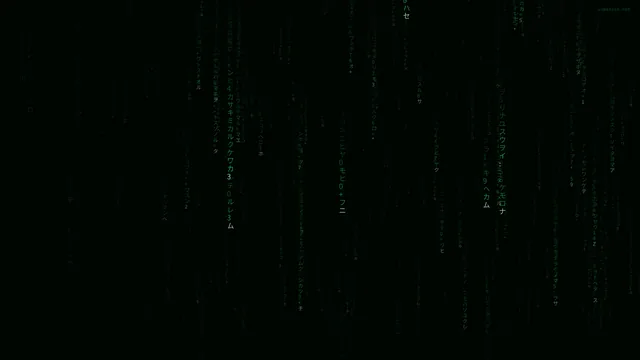
Interface colors and a start page background.
How to install
In Vivaldi, open Settings, Themes, choose "Import theme" and select the zip file you downloaded.
-
Download
Windows theme
Windows 10 and 11
Dark mode, an accent color and wallpapers that change every 15 minutes. The area where desktop icons sit is kept calm.
How to install
Open the zip file and double-click the .deskthemepack file; the theme installs and applies. To color the taskbar too, turn on "Show accent color on Start and taskbar" under Settings, Personalization, Colors.
-
In the Windows package
Lock screen images
Windows 10 and 11
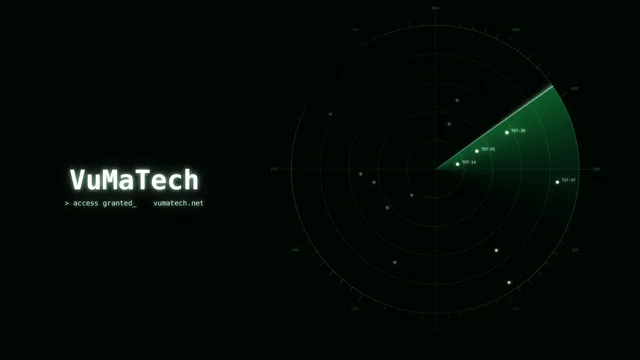
Images that leave room for the clock, date and notifications.
How to install
They are in the kilit-ekrani folder of the Windows package. Pick one under Settings, Personalization, Lock screen, Picture.
-
Download
Wallpapers
Desktop and browser
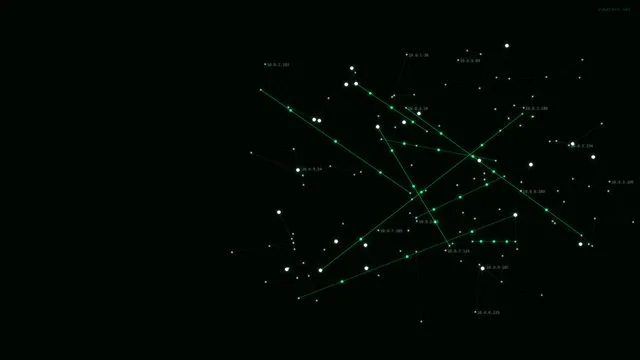
In 1920x1080, 2560x1440, 3840x2160 and 2560x1600, with and without text.
How to install
Choose the size that fits your screen. On the desktop use right-click, Personalize; in Firefox use the pencil icon on the new tab page.
Images
Release notes
Version 1.4
- Fixed the "Could not decode image" error some users saw when installing in Chrome.
- Added the Windows theme and lock screen images.
Version 1.3
- All browser packages now share one version number.
- New tab wallpaper redrawn; the title now sits below your shortcuts.
- Added Opera and Vivaldi packages.
Help
If you get stuck during setup, write to support@vumatech.net.